The Developer Tools Messaging Landscape
We analyzed 1649 developer tools homepages and scored them across five dimensions: messaging clarity, CTA effectiveness, ICP targeting, first impression, and pricing page quality. The median overall score is 70 out of 100, 10 points above the all-industry median of 60.
The industry's strongest area is First Impression (median 52 vs 28 overall). Its weakest area is CTA Effectiveness (median 52 vs 45 overall). Even that is above the all-industry median.
What Top Developer Tools Sites Do Differently
The top-scoring developer tools homepages share several patterns. Here's what stands out:
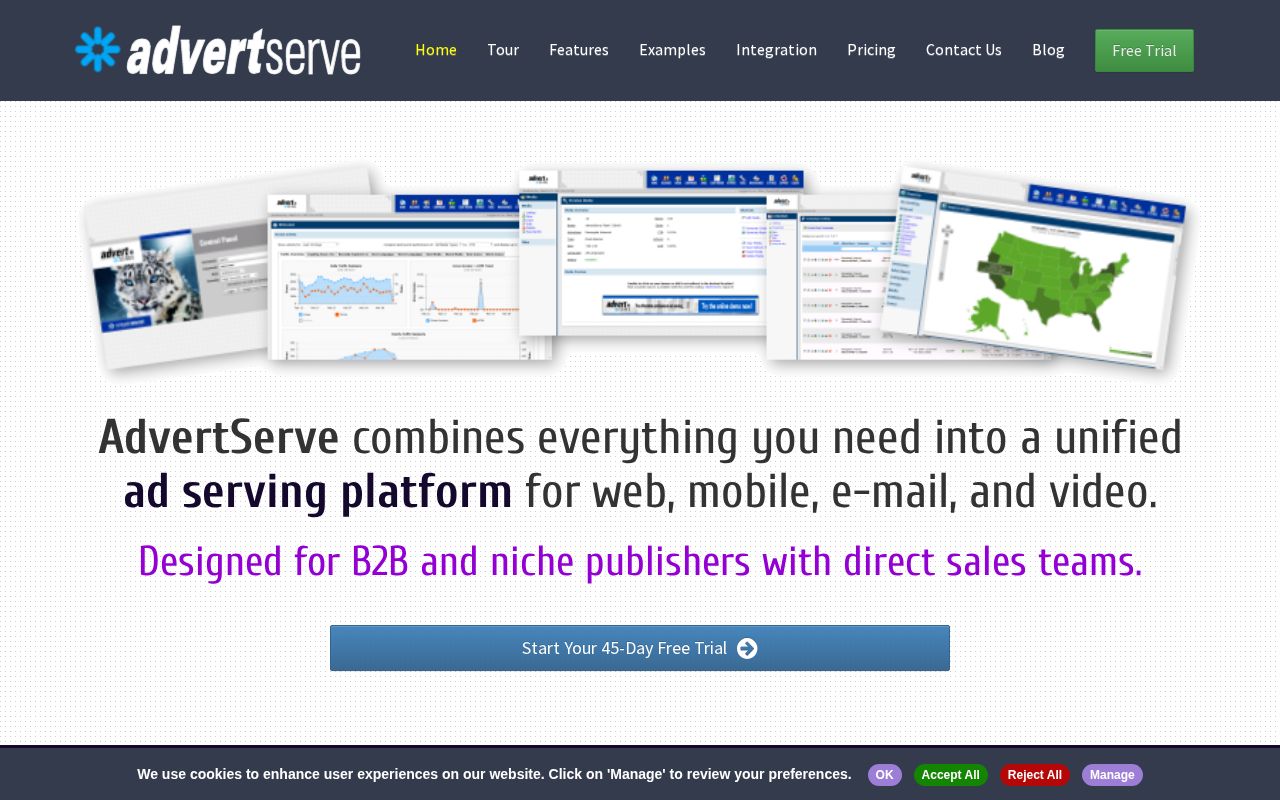
“AdvertServe combines everything you need into a unified ad serving platform for web, mobile, e-mail, and video.”

“Your users are churning. AI can bring them back.”
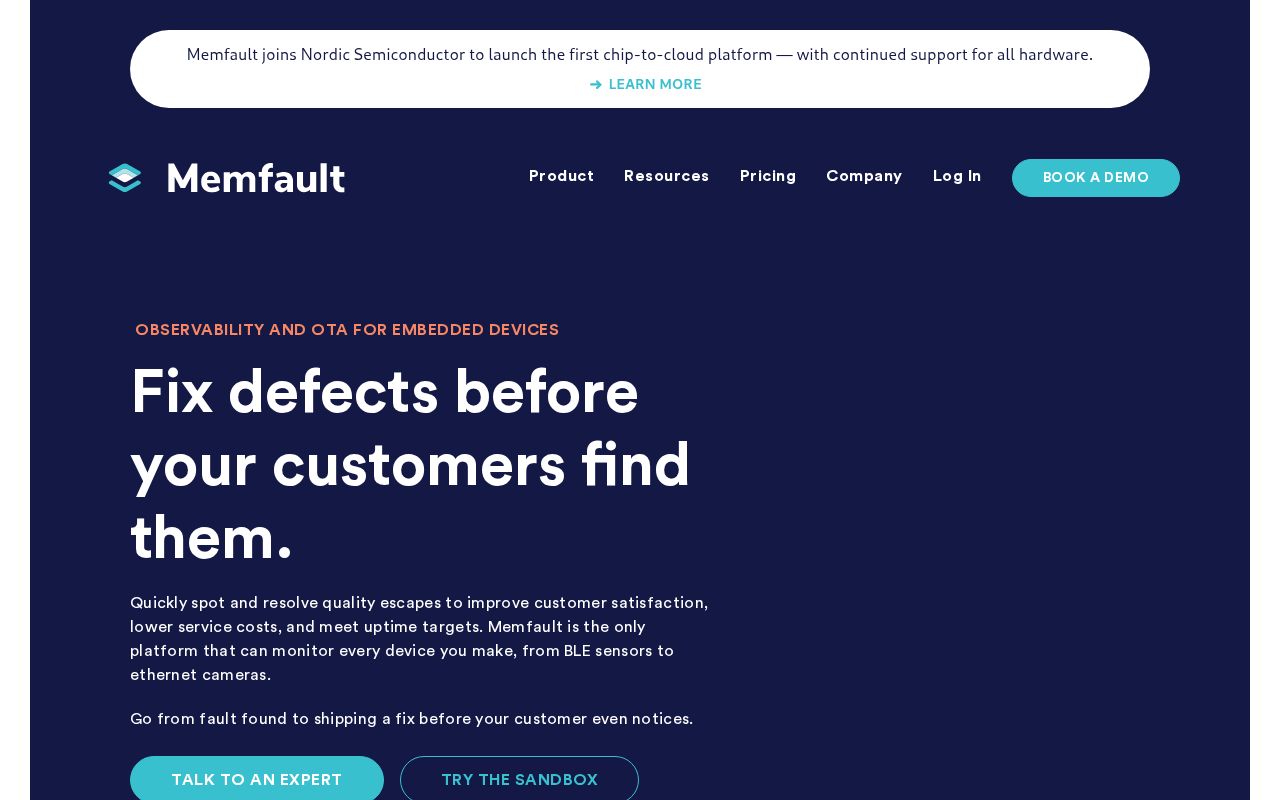
“Fix defects before your customers find them.”
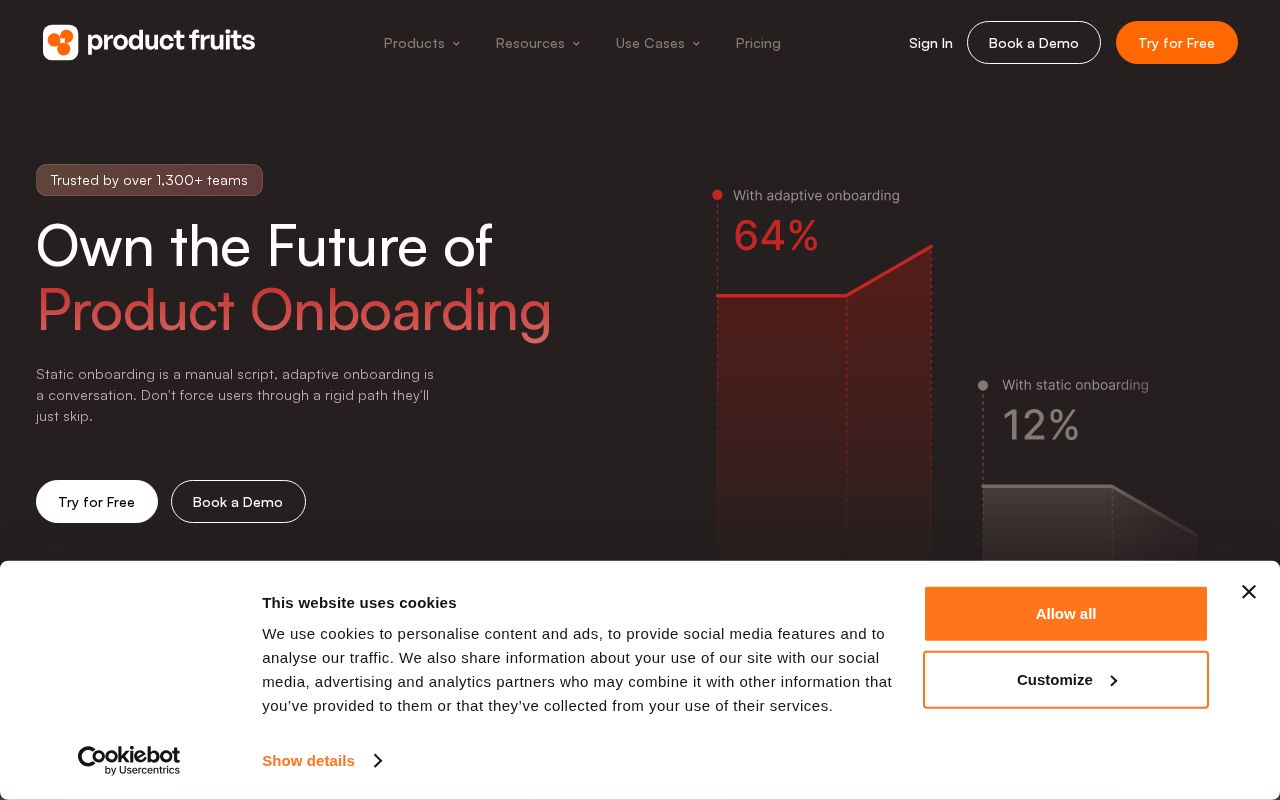
“User onboarding your team ships without developers.”
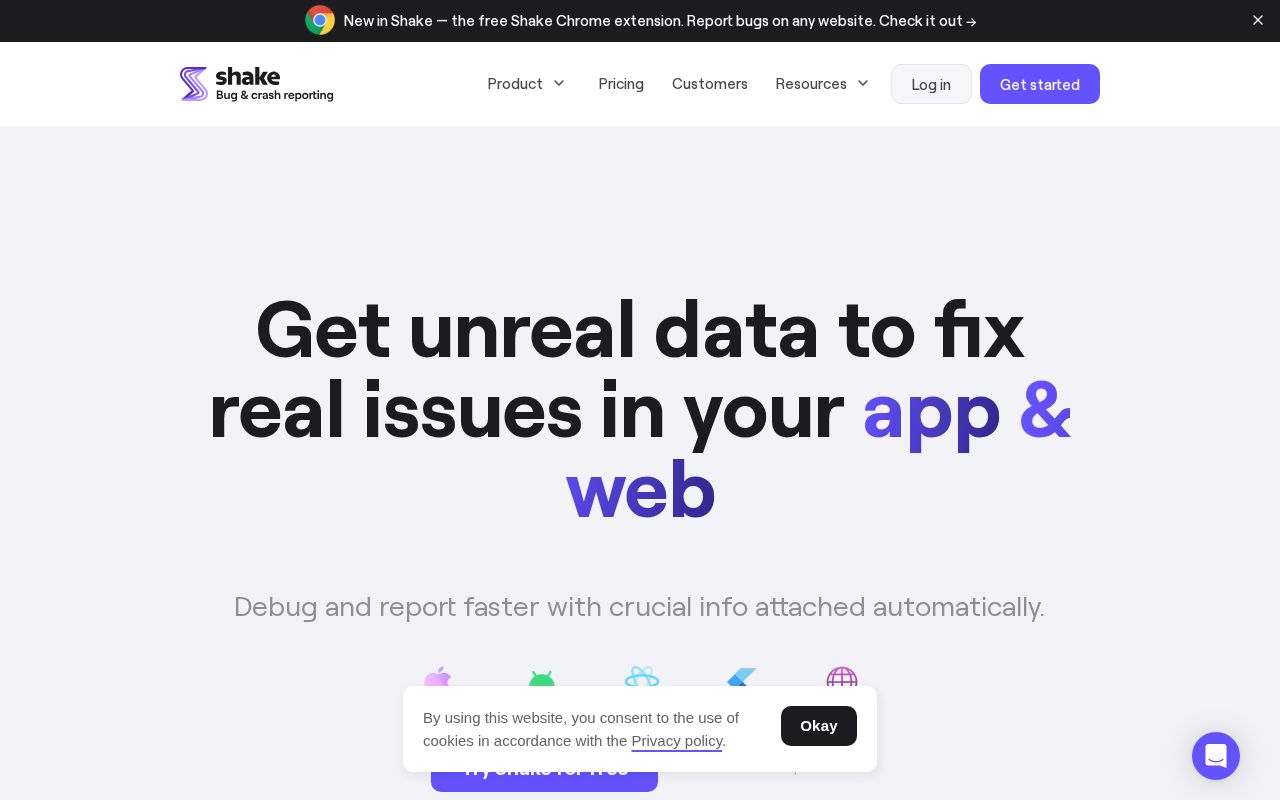
“Get unreal data to fix real issues in your app & web”
Hero Text: What Works in Developer Tools
The average developer tools hero text is 6 words long. The median clarity score is 59 (above the all-industry median of 39).
Here are the highest-clarity hero texts in developer tools:
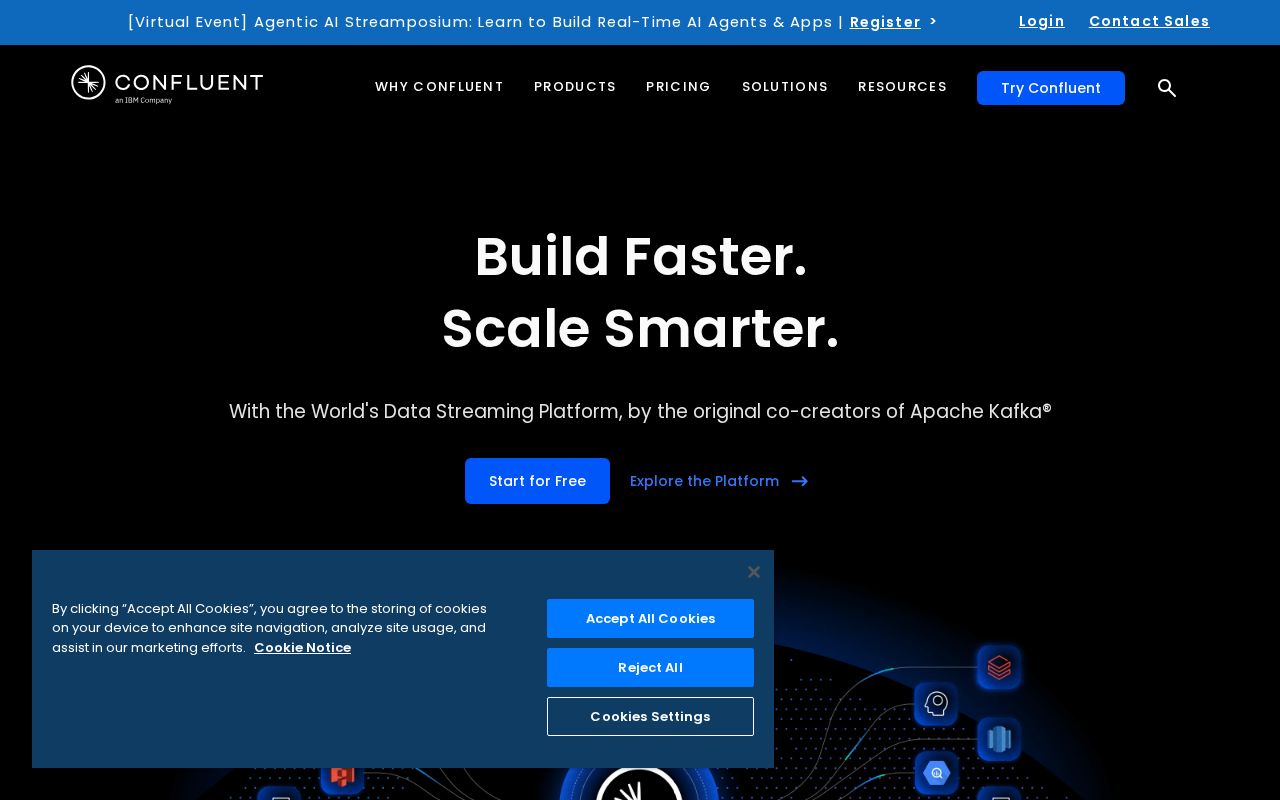
“Build Faster. Scale Smarter.”
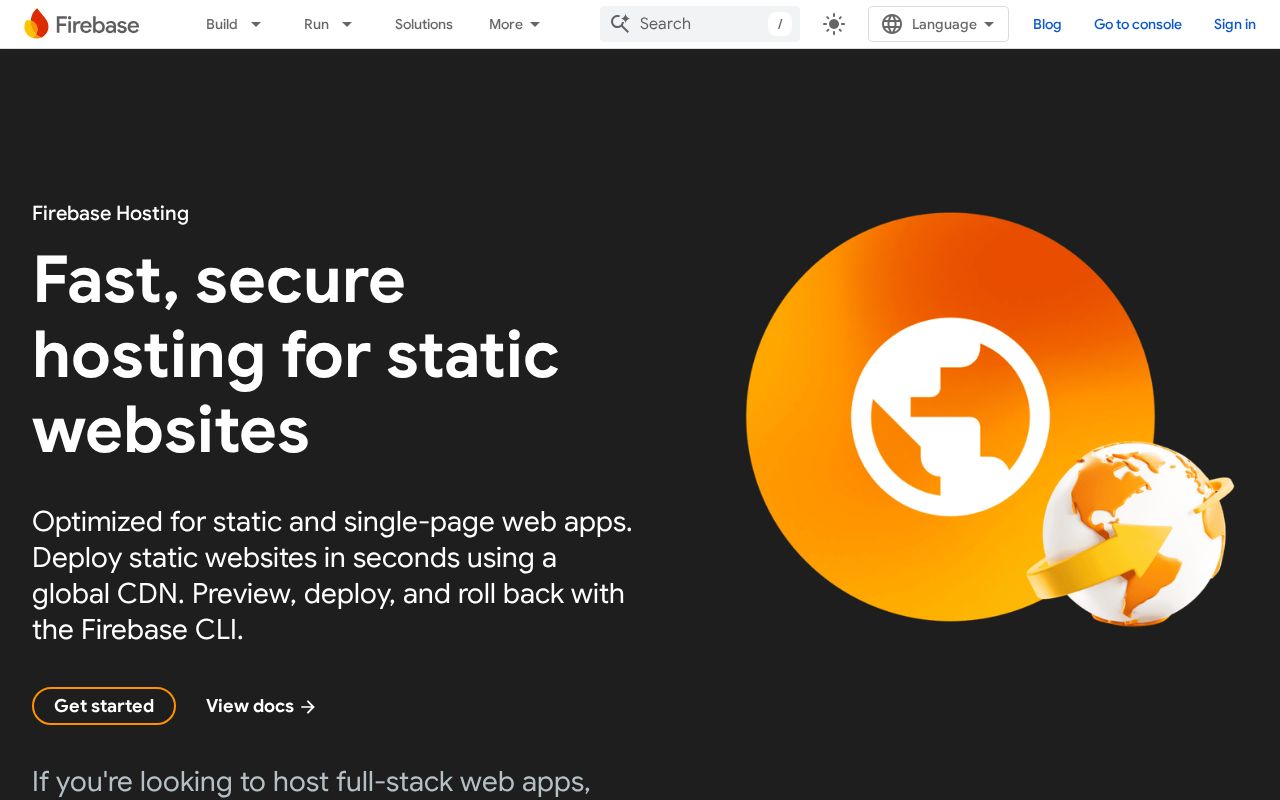
“Fast, secure hosting for static websites”
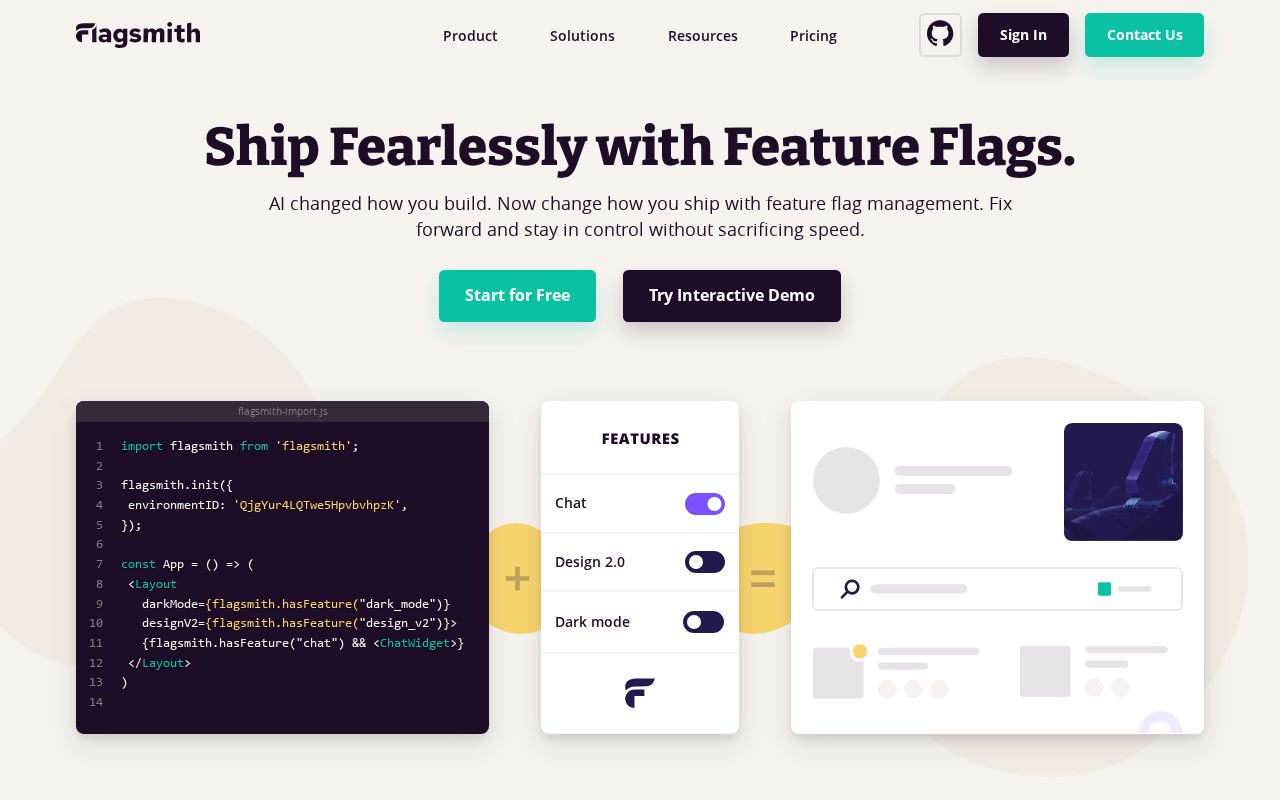
“Ship Fearlessly with Feature Flags.”
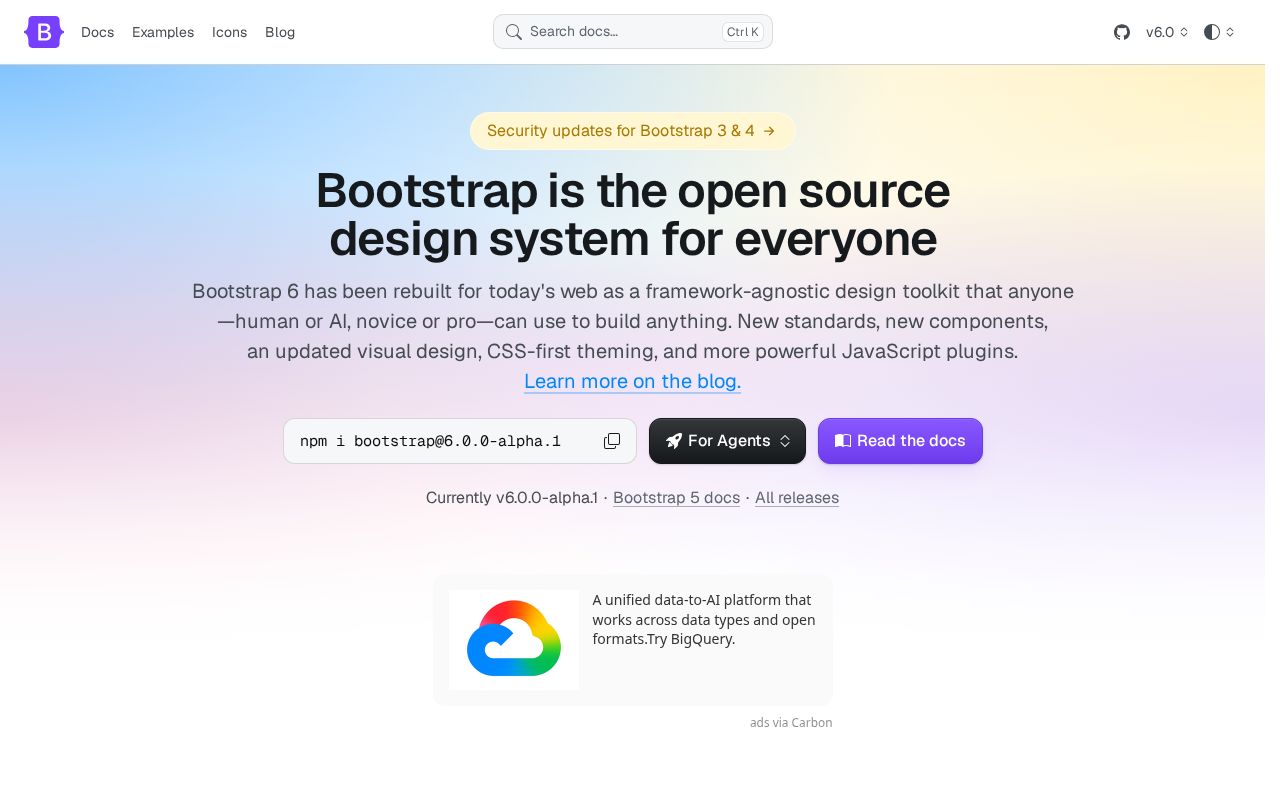
“Bootstrap is the open source design system for everyone”
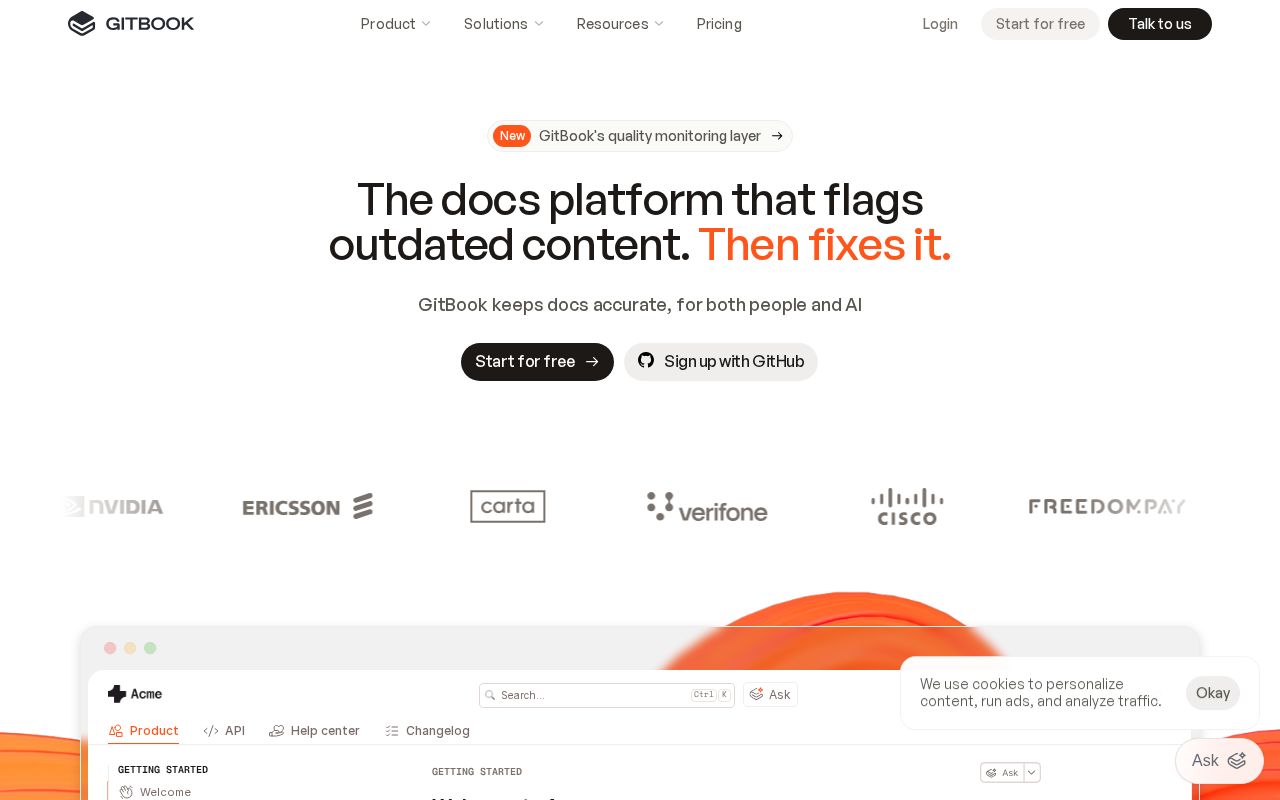
“The docs platform that flags outdated content. Then fixes it.”
Notice how the best hero texts name a specific action or outcome rather than using abstract language like “empower” or “transform.” Visitors should know what the product does within 3 seconds of landing.
CTAs in Developer Tools
The average developer tools site has 10.4 CTAs on the homepage. 48% trigger decision paralysis. That is enough competing buttons to freeze visitors.
The highest-scoring CTA examples:
The best CTAs use value-oriented language (“Start free trial,” “See your results”) rather than generic text (“Learn more,” “Submit”). They promise an outcome or lower the barrier.
Audience Targeting in Developer Tools
40% of developer tools sites have crystal-clear audience targeting. But 0% are vague or missing audience signals entirely. They don't say who the product is for.
74% use a “for [specific audience]” pattern. Adding “for [role] at [company type]” to the headline or subhead is one of the simplest, highest-impact fixes there is.
“For X” patterns from top sites:
“for web”
“for Email”
“for IoT Monitoring”
“for any website”
How Developer Tools Companies Position Themselves
Every homepage tells a positioning story. Here's how developer tools sites break down across positioning archetypes:
The dominant archetype is Platform / Ecosystem (31% of sites). If that's your positioning too, you're competing on the same narrative as 515 other sites. Differentiation has to come from execution. Less crowded archetypes like Disruptor / Challenger (0%) may offer positioning white space.
Pricing Pages
96% of developer tools sites have a detectable pricing page. 88% offer a free tier.
The industry median pricing score is 80 (above the all-industry median of 0). The best pricing pages include visible prices, 2-4 clearly differentiated tiers, a comparison table, FAQ section, and social proof.
Key Takeaways
- 1CTA Effectiveness has the most room left. At a median of 52 (vs 45 overall) it's above average, but it's where developer tools sites have the most to gain.
- 2Hero text should name what the product does. The highest-clarity sites use specific action verbs, not metaphors. 6 words is the industry average. Aim for under 15.
- 3Say who it's for. Only 74% use a "for [X]" pattern. Adding one is the fastest positioning win available.
- 4Keep CTAs focused. 48% of sites trigger decision paralysis. One primary CTA above the fold, with value-oriented language.
- 5Pick a less crowded archetype. 31% of sites position as Platform / Ecosystem. Standing out requires either flawless execution or a different angle.
Developer Tools Leaderboards
Other Industry Guides
See where your site ranks in Developer Tools
Get your score across all five dimensions in seconds.
Grade Your HomepageWant a team to help fix this?
Work with us